I have been using CleanMyMac on my Mac for years, and honestly, I really love it. For me, it is one of those apps that makes Mac maintenance feel much easier, especially when storage starts getting full.
Recently, I used CleanMyMac again on my MacBook Air M4. Before cleaning, my Mac only had around 14.62GB available, which was not enough for comfortable daily use.
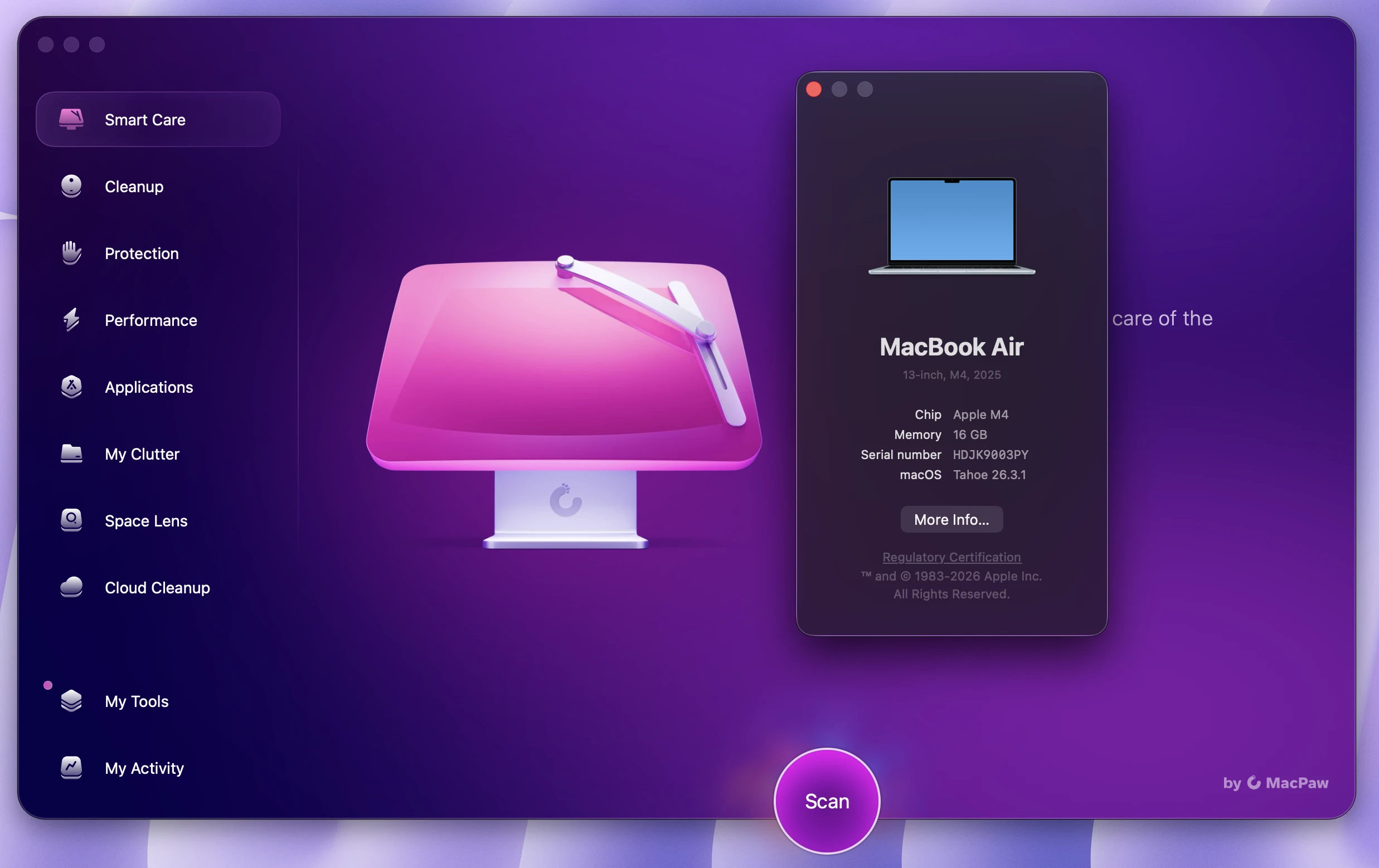
After using CleanMyMac features like Smart Care, Junk Files, Applications, and Space Lens, my Mac had 72.28GB of available storage in total. That was a big improvement for me.
In this CleanMyMac review, I will share my real experience, what I like most, which features helped me the most, and whether I think CleanMyMac is worth using in 2026.
Why I Use CleanMyMac
The main reason I use CleanMyMac is simple: it saves time.
macOS is a clean operating system, but storage can still become messy over time. Apps create cache files, old downloads stay hidden in folders, deleted apps leave leftover files, and video editing apps can take up a lot of space without you noticing.
Before using CleanMyMac, I could clean some files manually, but it took more time. I had to check different folders, open storage settings, look through downloads, and decide what was safe to delete.
CleanMyMac makes this process much easier. It gives me one place to check junk files, uninstall apps, find large folders, and understand where my storage is going.
Smart Care: The Feature I Use Most
One of my favorite CleanMyMac features is Smart Care.
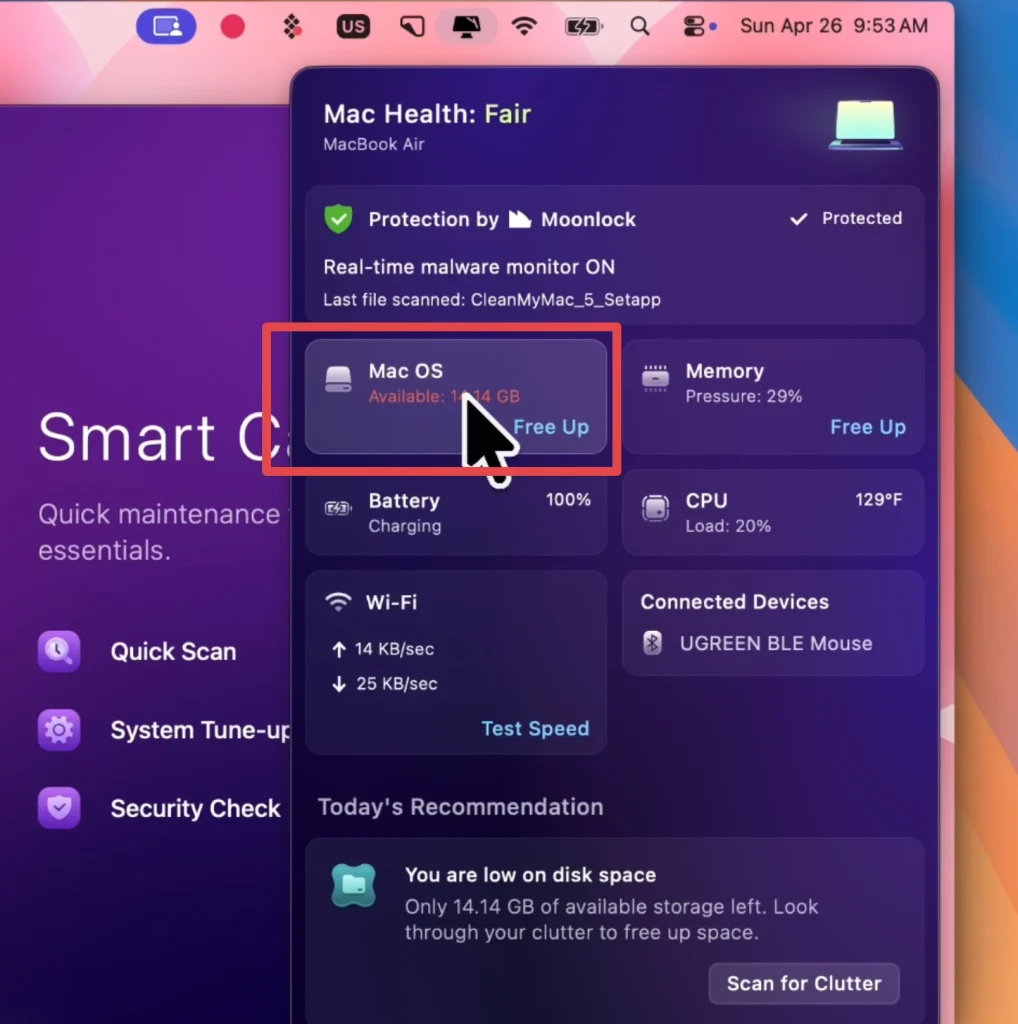
Smart Care is simple. You open CleanMyMac, run the scan, review the results, and clean what you do not need. It is very beginner-friendly, and you do not need to understand complicated system folders.
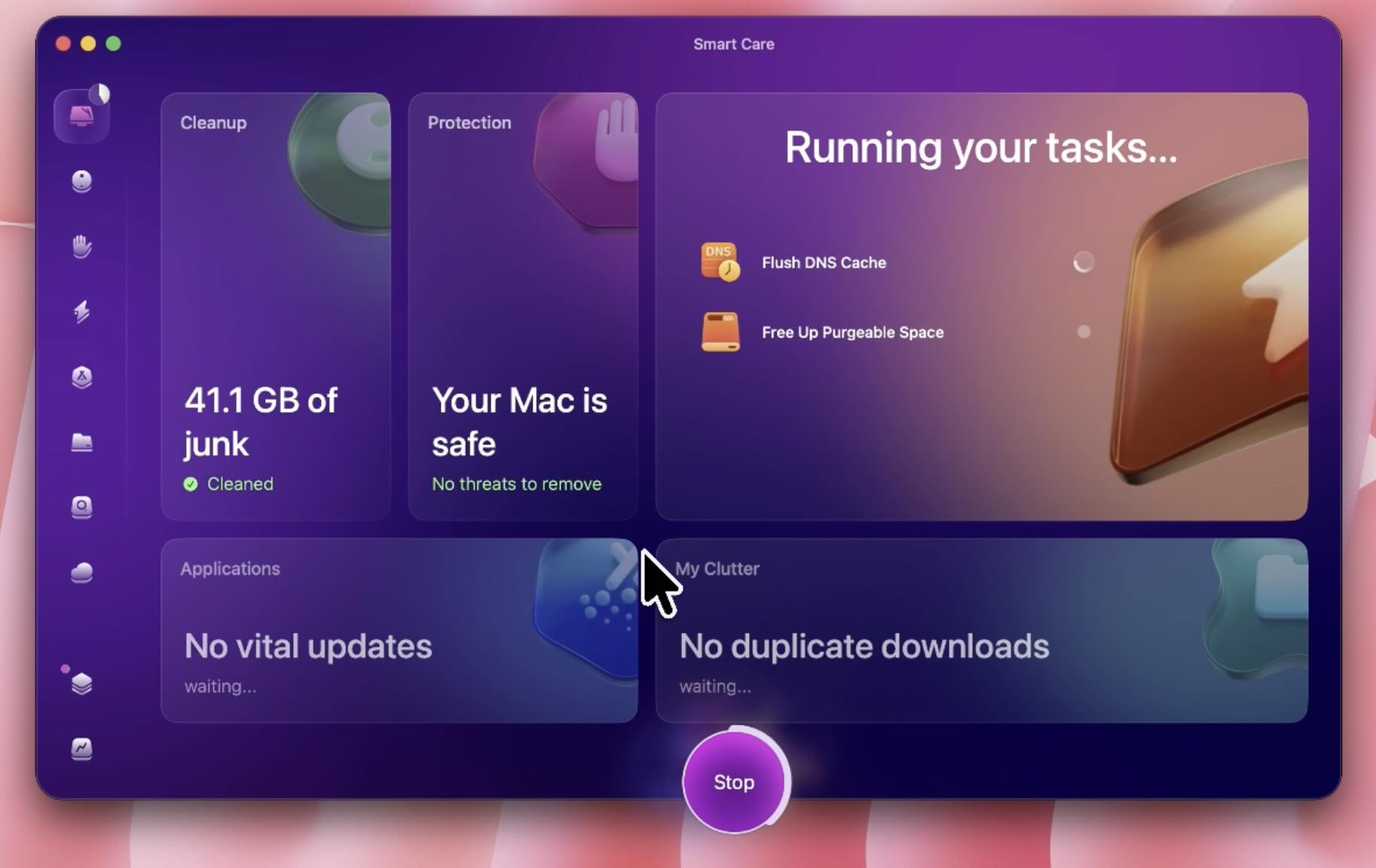
In my case, Smart Care helped me find a large amount of junk files. CleanMyMac showed that I could remove up to 45GB of junk, which was much more than I expected.
This feature is useful because many junk files are not easy to find manually. Cache files, temporary files, system junk, old logs, and app-related files can stay on your Mac for a long time.
Smart Care brings everything into one simple scan, which makes the cleanup process much faster.
Applications: Removing Apps Completely
Another feature I really love is Applications.
On Mac, many people delete apps by dragging them to the Trash. This removes the main app, but it does not always remove everything. Some apps leave behind support files, settings, cache, plugins, and hidden folders.
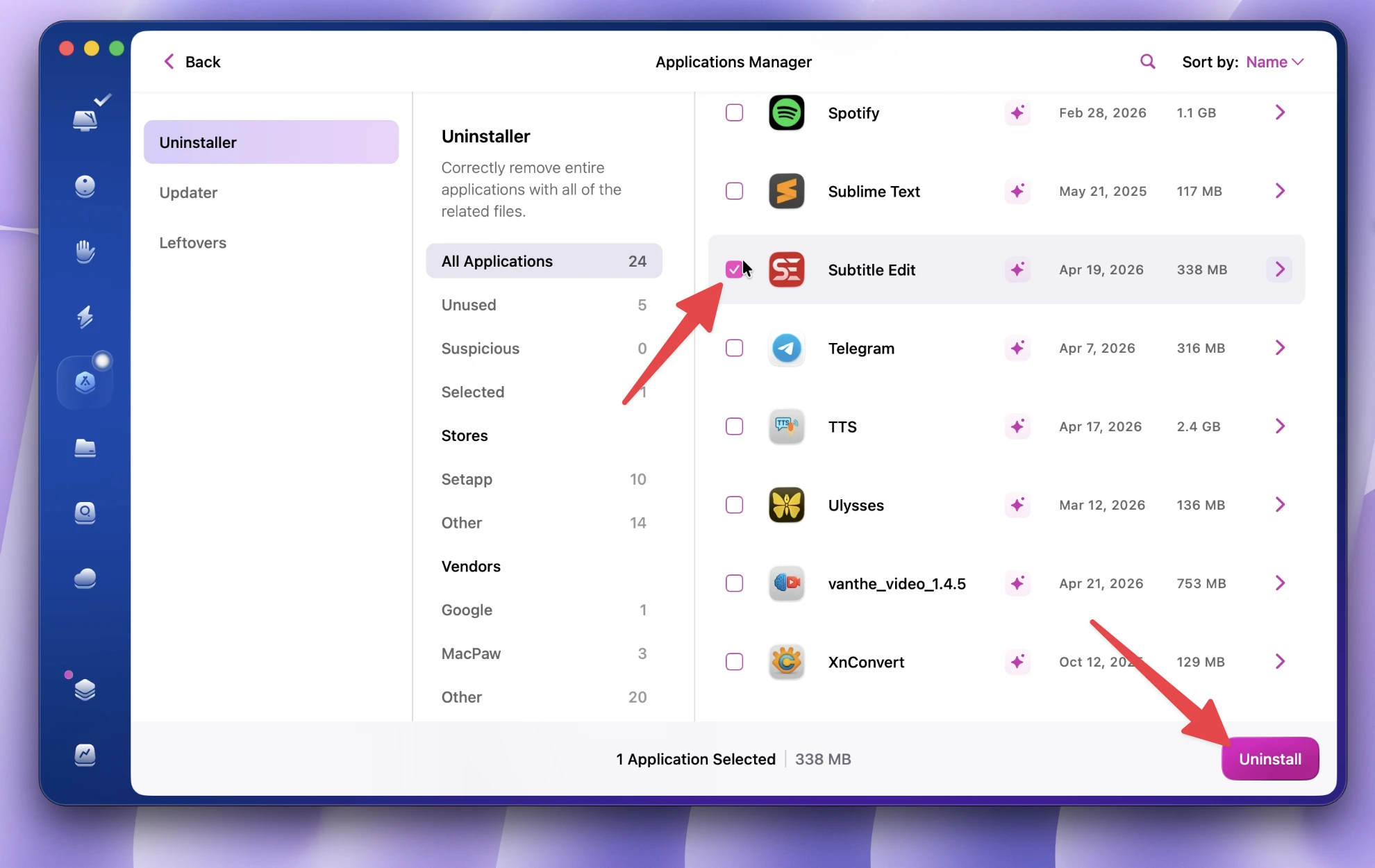
CleanMyMac helps remove apps more completely. It shows installed apps and helps delete the app together with related leftover files.
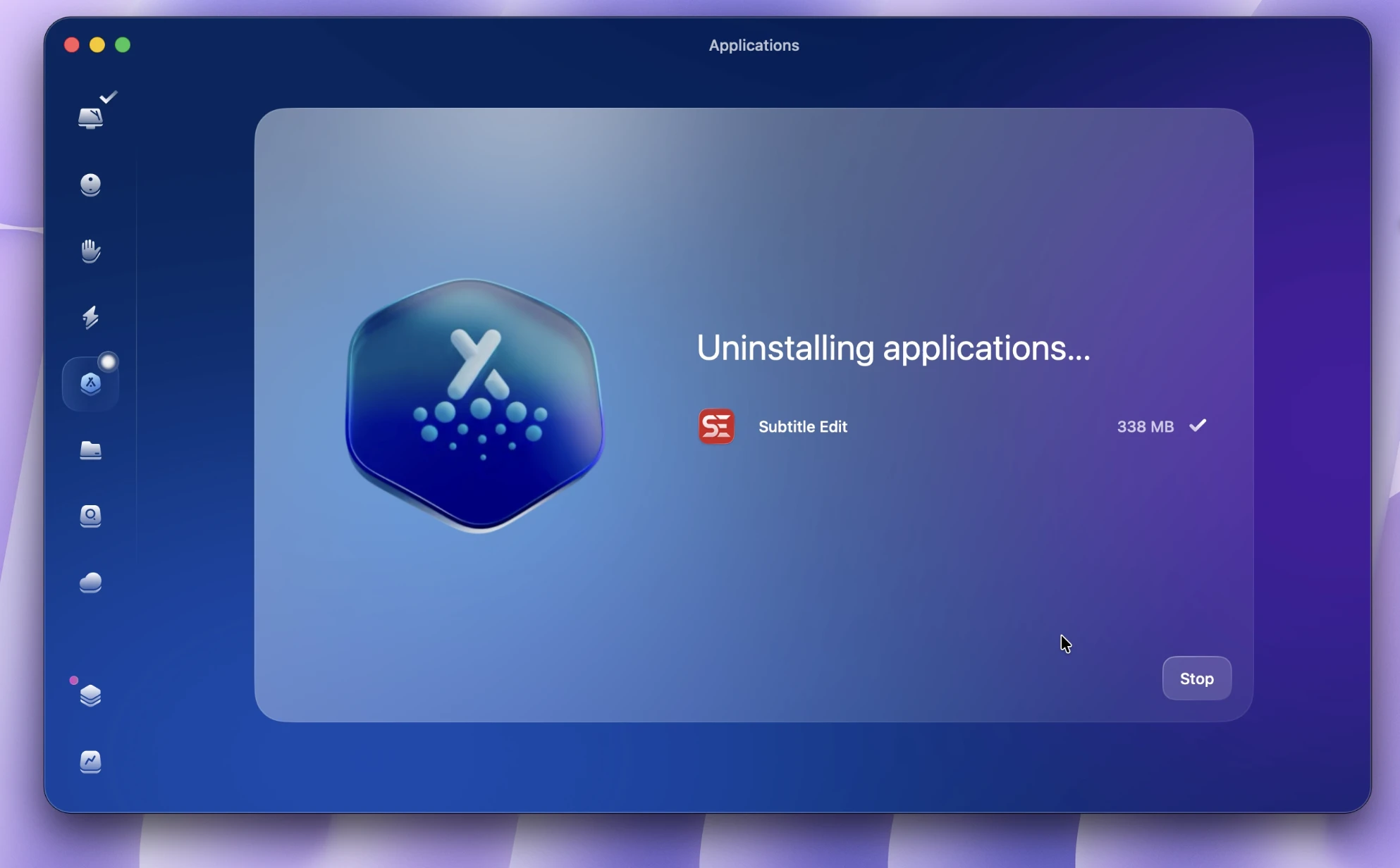
This is very useful for me because I sometimes install apps for testing, editing, design, or work. After a while, I may not need those apps anymore. Instead of leaving old files behind, I can remove them properly with CleanMyMac.
Space Lens: Finding What Takes Up Space
The other feature I really like is Space Lens.
Space Lens shows a visual breakdown of your Mac storage. It helps you see which folders are using the most space and where large files are located.
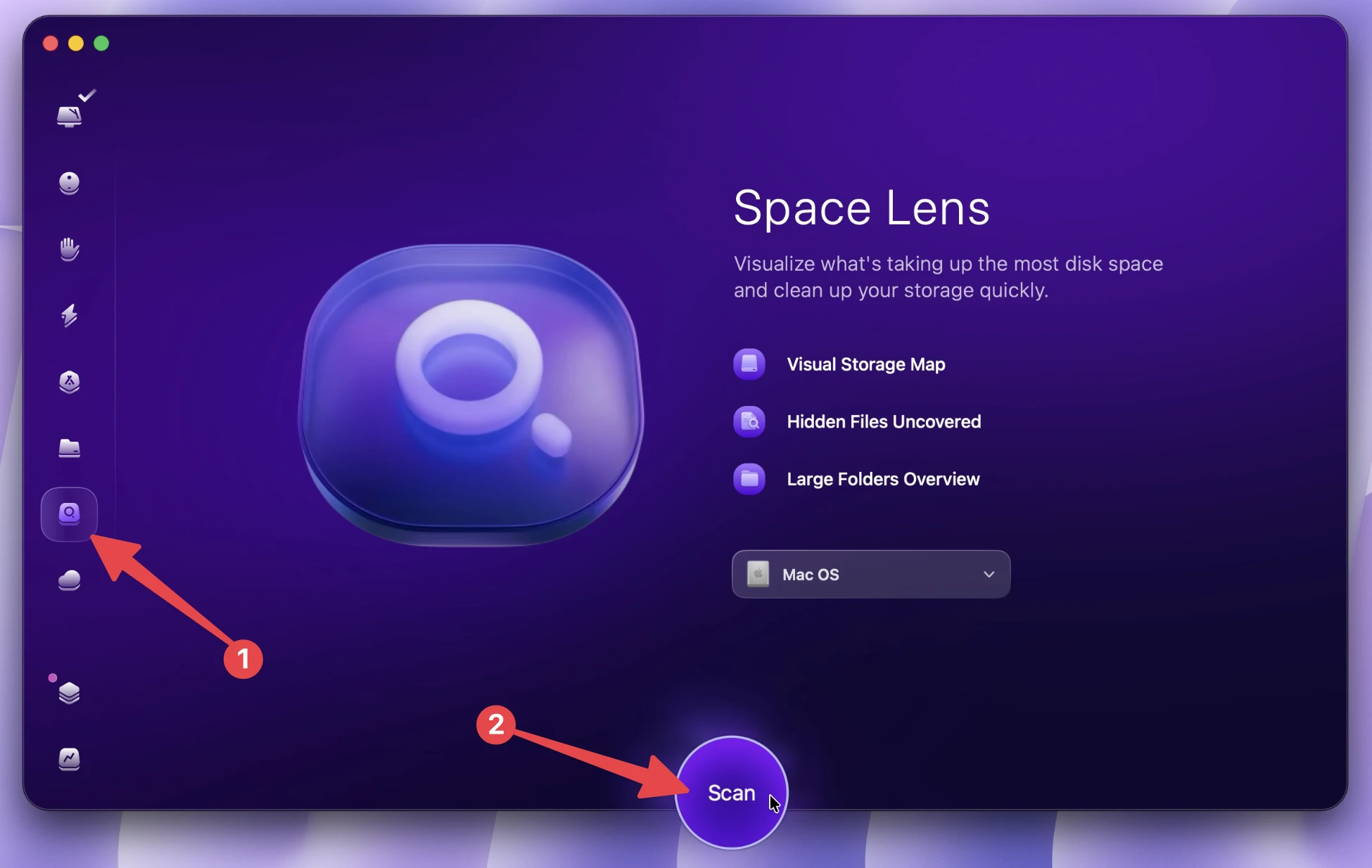
This is very useful because sometimes your Mac storage disappears, but you do not know why. You may check downloads and photos, but the real problem might be inside an app folder, cache folder, or project folder.
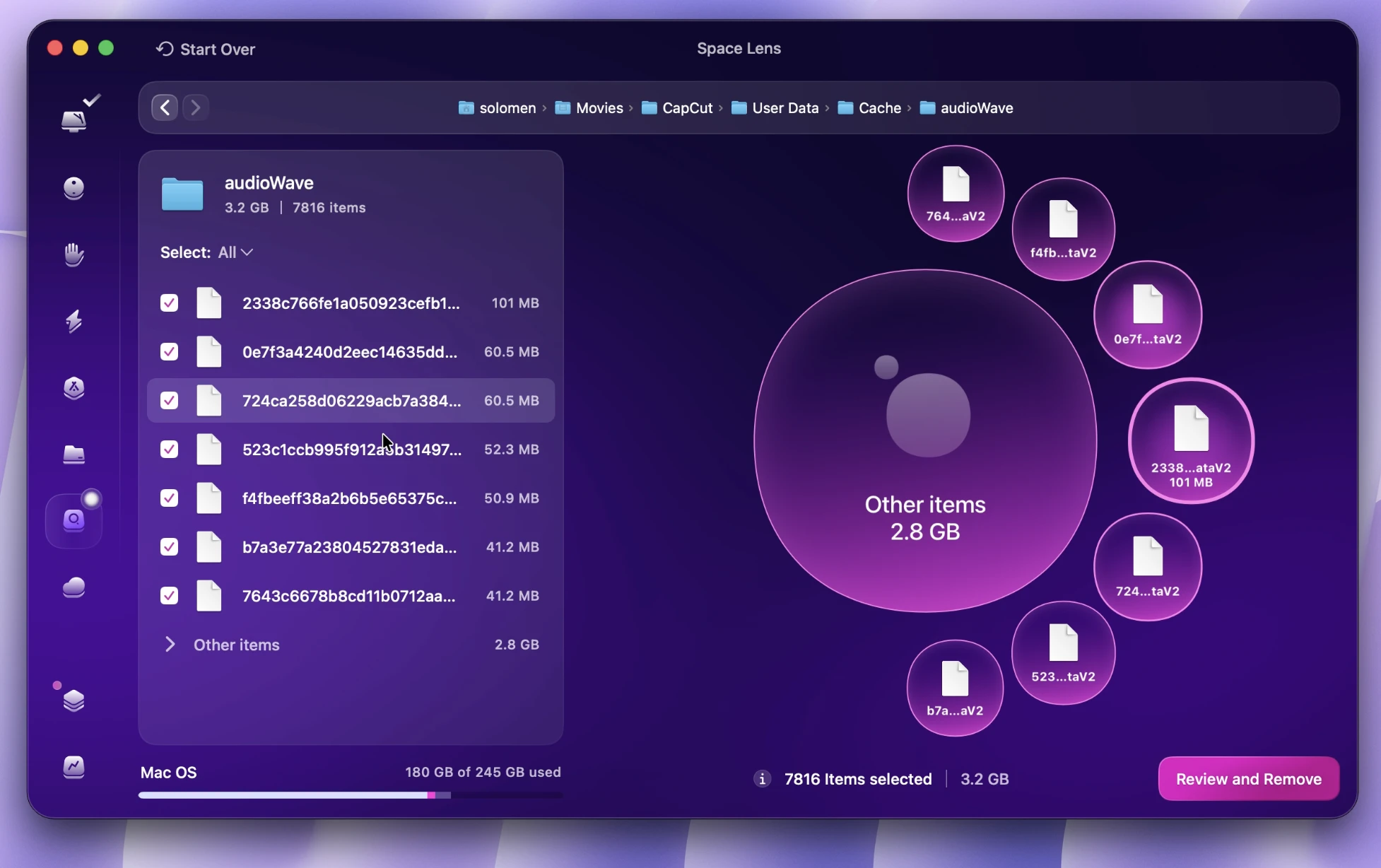
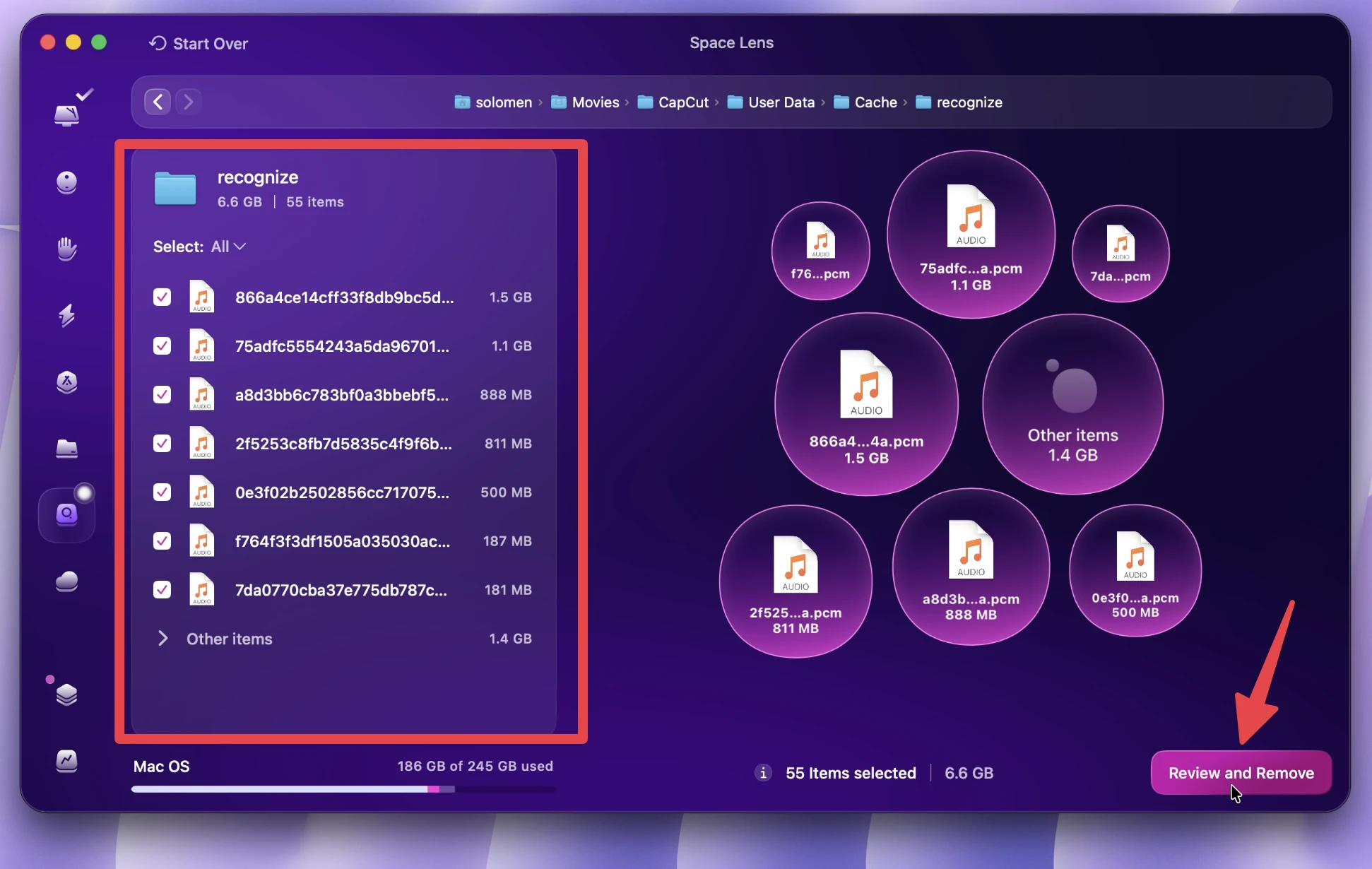
For me, Space Lens helped me discover that CapCut was taking a lot of space on my Mac. This makes sense because CapCut can save video projects, media files, exports, and cache. But without Space Lens, I probably would not have noticed how much storage it was using.
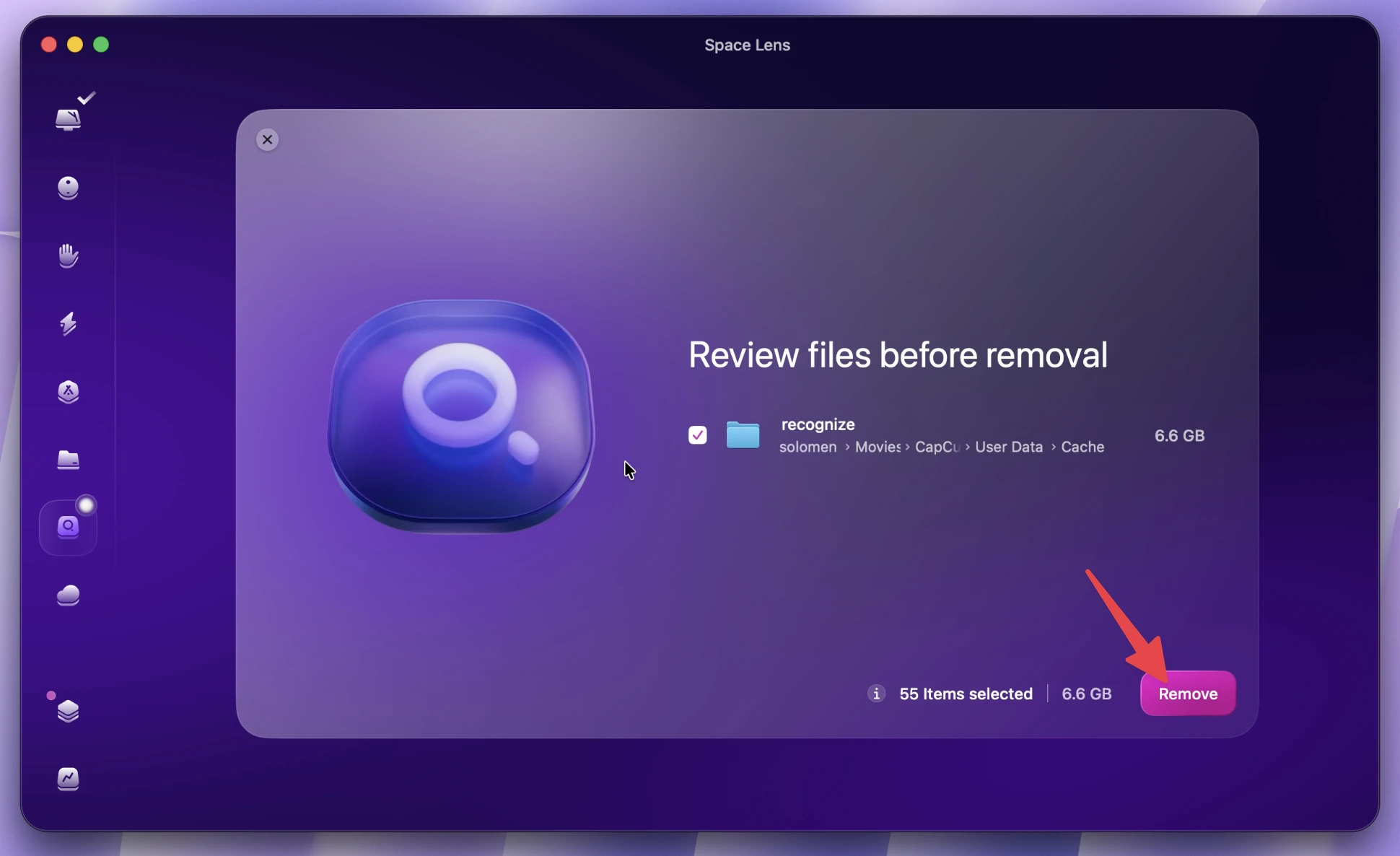
This feature is especially useful for content creators, video editors, designers, and anyone who works with large media files.
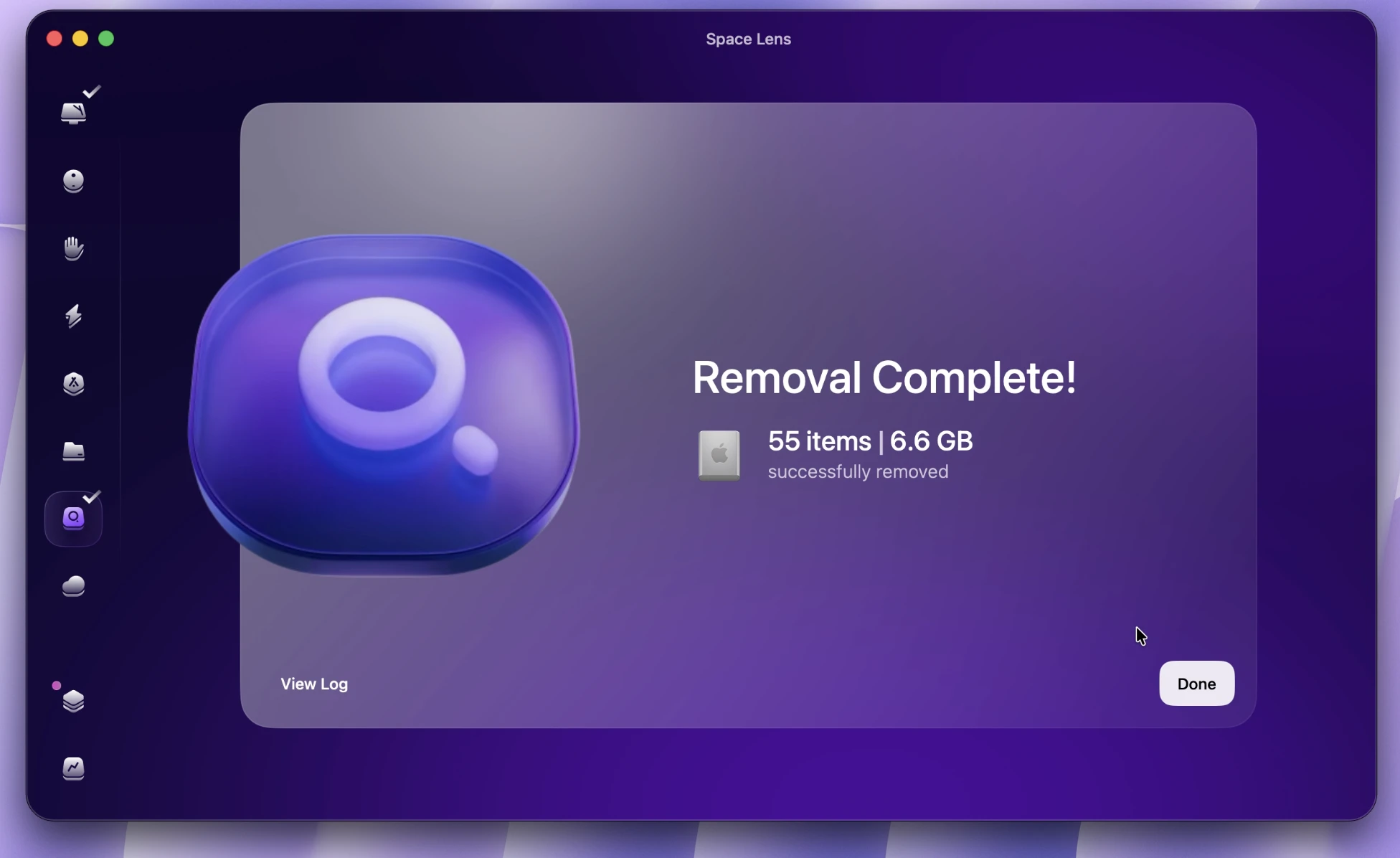
Space Lens does not just help you clean. It helps you understand your storage better.
Other CleanMyMac Features I Use Sometimes
CleanMyMac also has other features like Protection and Performance
I do not use these every day, but I sometimes open them when I want to check my Mac.
The Protection feature is useful when I want to check for possible security or privacy issues. The Performance feature helps when I want to review things that may affect how smoothly my Mac runs. Cloud Cleanup can also be helpful if you want to manage cloud-related storage and keep things cleaner.
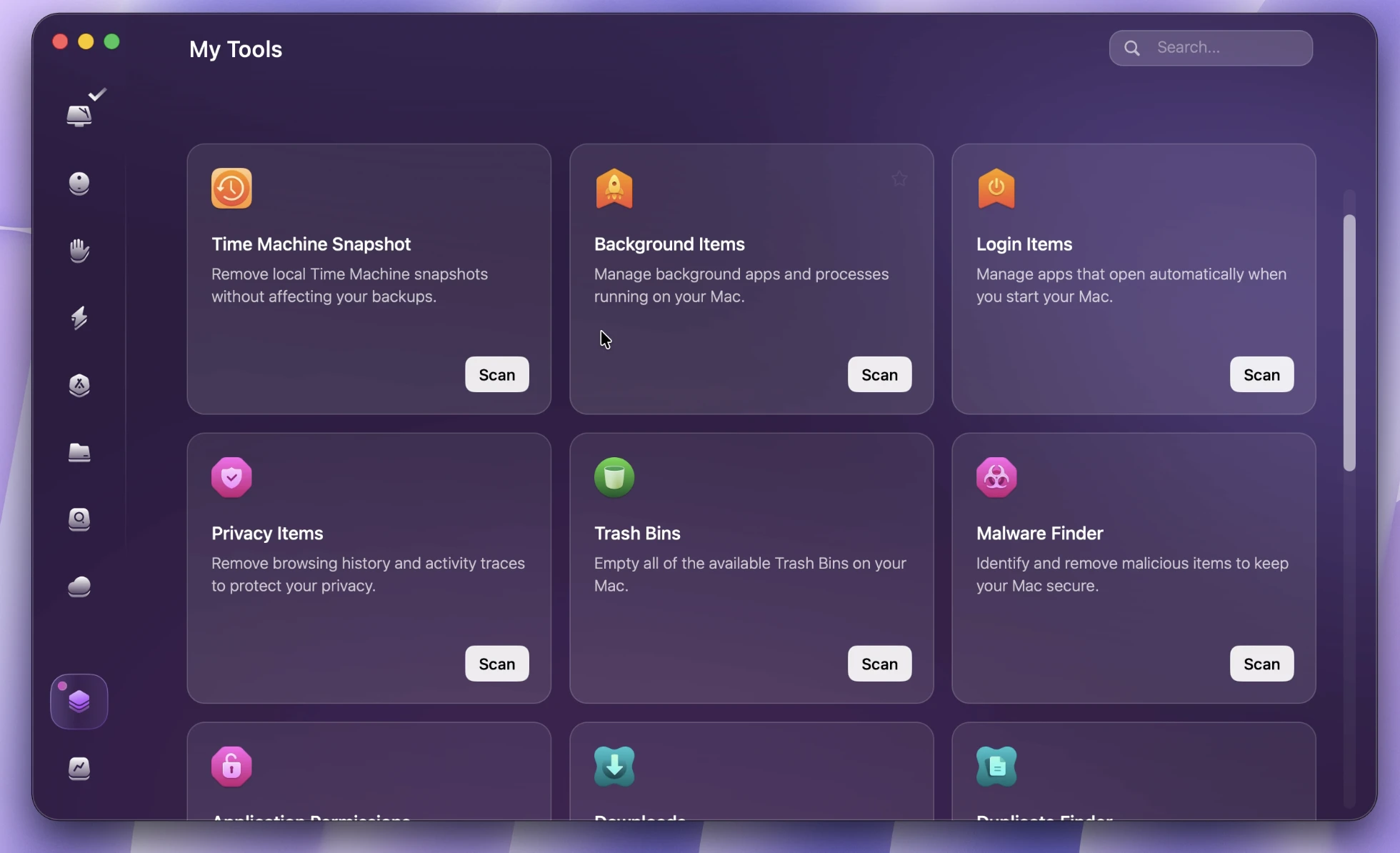
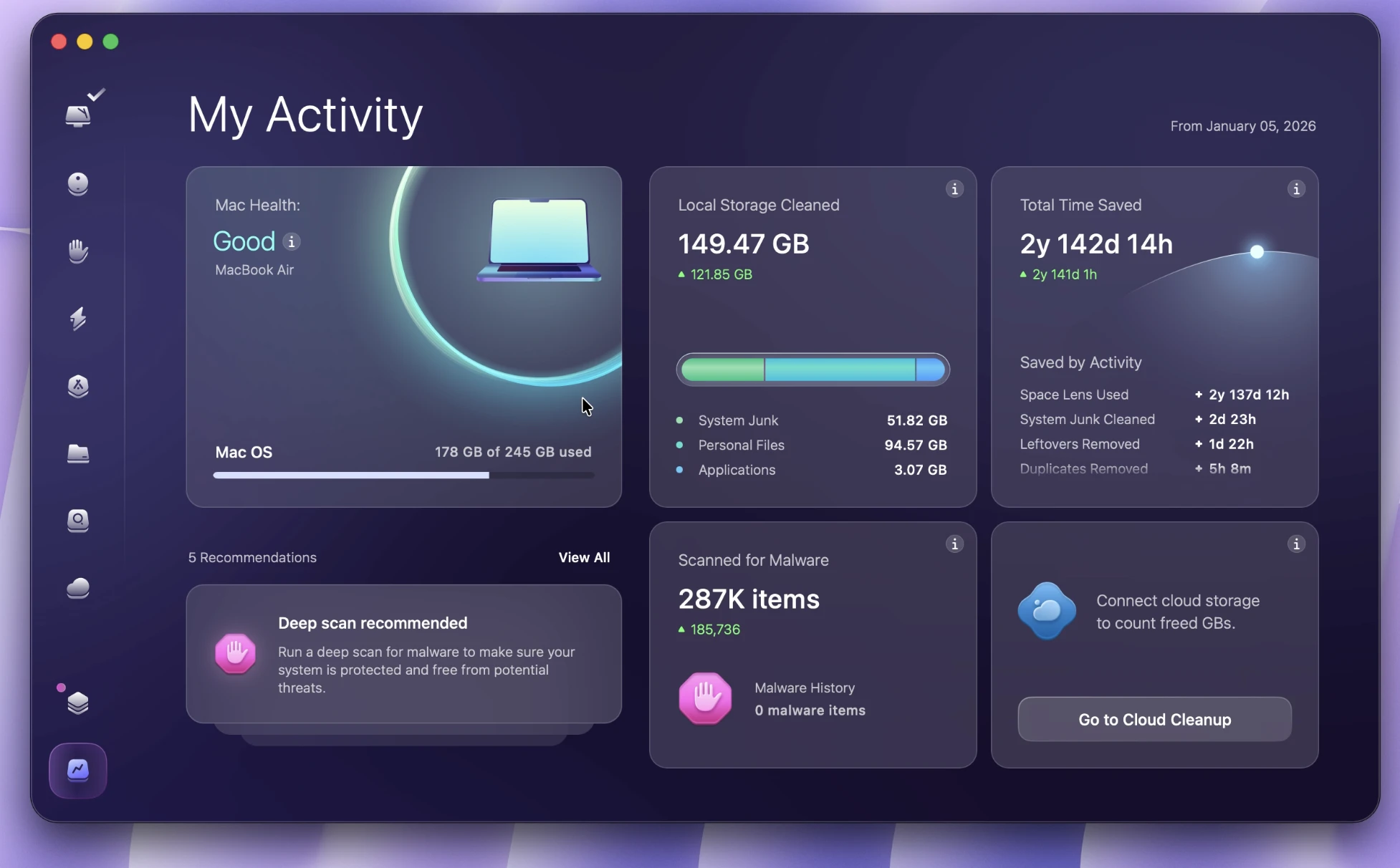
On version 5.5.0 on my MacBook Air M4, as of May 5, 2026, I see two new tools in CleanMyMac X: My Tools and My Activity.
Is CleanMyMac Worth It?
Based on my experience, yes, CleanMyMac is worth it, especially if your Mac often runs low on storage.
It is very useful for MacBook users who want a simple way to clean junk files, uninstall apps completely, and find large folders. It is also great for people who use creative apps like CapCut, Photoshop, Final Cut Pro, Premiere Pro, or other tools that create a lot of cache and project files.
CleanMyMac Pros and Cons
Pros
- CleanMyMac is very easy to use and beginner-friendly.
- Smart Care makes Mac cleanup simple and fast.
- Junk Files helped me find up to 45GB of removable files.
- Applications helped me remove apps more completely.
- Space Lens helped me find where my storage was going.
- After using CleanMyMac, my Mac had 72.28GB available storage in total.
Cons
- CleanMyMac is not free.
- You should still review files before deleting them.
Final Verdict: My CleanMyMac Review
After using CleanMyMac for years, I can say that I really like it. It has become one of my favorite Mac apps because it makes storage cleanup and Mac maintenance much easier.
On my MacBook Air M4, I started with only 14.62GB available storage. After using CleanMyMac’s Smart Care, Junk Files, Applications, and Space Lens, my Mac had 72.28GB available in total.
The most useful features for me are Smart Care, Applications, and Space Lens. Smart Care helps clean junk files quickly. Applications helps remove apps completely. Space Lens shows which folders and apps are taking up the most space.
I also sometimes use other features like Protection, Performance, and Cloud Cleanup, but the storage cleanup tools are the main reason I love CleanMyMac.
Overall, I think CleanMyMac is worth it for Mac users who want a simple, clean, and effective way to free up storage and keep their Mac organized.
If your Mac is running out of space, CleanMyMac is definitely worth trying.
FAQ
Is CleanMyMac good for MacBook Air M4?
Yes. I used CleanMyMac on my MacBook Air M4, and it helped me free up a lot of storage.
How much storage did CleanMyMac help me free up?
Before cleaning, my Mac had only 14.62GB available. After using CleanMyMac features like Junk Files, Applications, and Space Lens, my Mac had 72.28GB available storage in total.
What is the best CleanMyMac feature?
For me, the best features are Smart Care, Applications, and Space Lens.
Does CleanMyMac remove apps completely?
Yes, the Applications feature helps remove apps together with related leftover files.
Is Space Lens useful?
Yes. Space Lens is very useful because it shows which folders and apps are taking up the most storage. It helped me find that CapCut was using a lot of space on my Mac.